
Security
A website must not only look professional — it must be safe.
A website that looks professional but isn’t secure is a liability, not an asset. Security is the practice of protecting a website, the data it collects, and the people who use it, from being compromised, stolen, or abused.
Beginner Explanation
HTTPS encrypts all data traveling between a visitor’s browser and the server, preventing it from being intercepted or read by anyone in between. In modern web development, there is genuinely no excuse for a live website not running HTTPS — free, automatically-renewing SSL certificates are provided by virtually every reputable host, and browsers now actively flag non-HTTPS sites as "Not Secure." Strong passwords, for any website with user accounts, means enforcing meaningful requirements and, ideally, supporting multi-factor authentication for sensitive accounts like admin dashboards.
Input validation, introduced in Chapter 8, is a frontline security measure as much as a usability one. The core security principle is simple but critical: never trust data coming from a user, ever — even data validated in the browser must be validated again on the server, because a malicious user can bypass browser-based checks entirely. Server-side validation is what actually protects against attacks like SQL injection and cross-site scripting (XSS). Spam protection defends forms against automated bots submitting junk at scale, commonly handled through CAPTCHA challenges, honeypot fields, or rate-limiting.
Role-based access restricts what different types of users are allowed to see or do, enforced on the backend (Chapter 9) — never just hidden in the frontend, because frontend-only restrictions can be bypassed by anyone who inspects or directly requests the underlying data. Backups ensure that if something does go wrong, a website and its data can be restored rather than lost permanently. Software updates close known security vulnerabilities as they’re discovered — a large proportion of real-world breaches exploit vulnerabilities in outdated software that already had a fix available.
Real Business Examples
Free, automatic HTTPS
Every reputable host issues and auto-renews an SSL certificate at no cost — there’s no valid business reason for a live South African small-business site to skip it.
Never trusting the browser alone
A quote form validates a phone number in JavaScript for instant feedback, then validates it again on the server — because the JavaScript check can always be bypassed by someone determined to.
A tested, working backup
A restaurant’s site is backed up nightly, and the owner’s developer actually restores it from backup once a quarter just to confirm it genuinely works when it matters.
Visual Diagram
Never trust the frontend alone
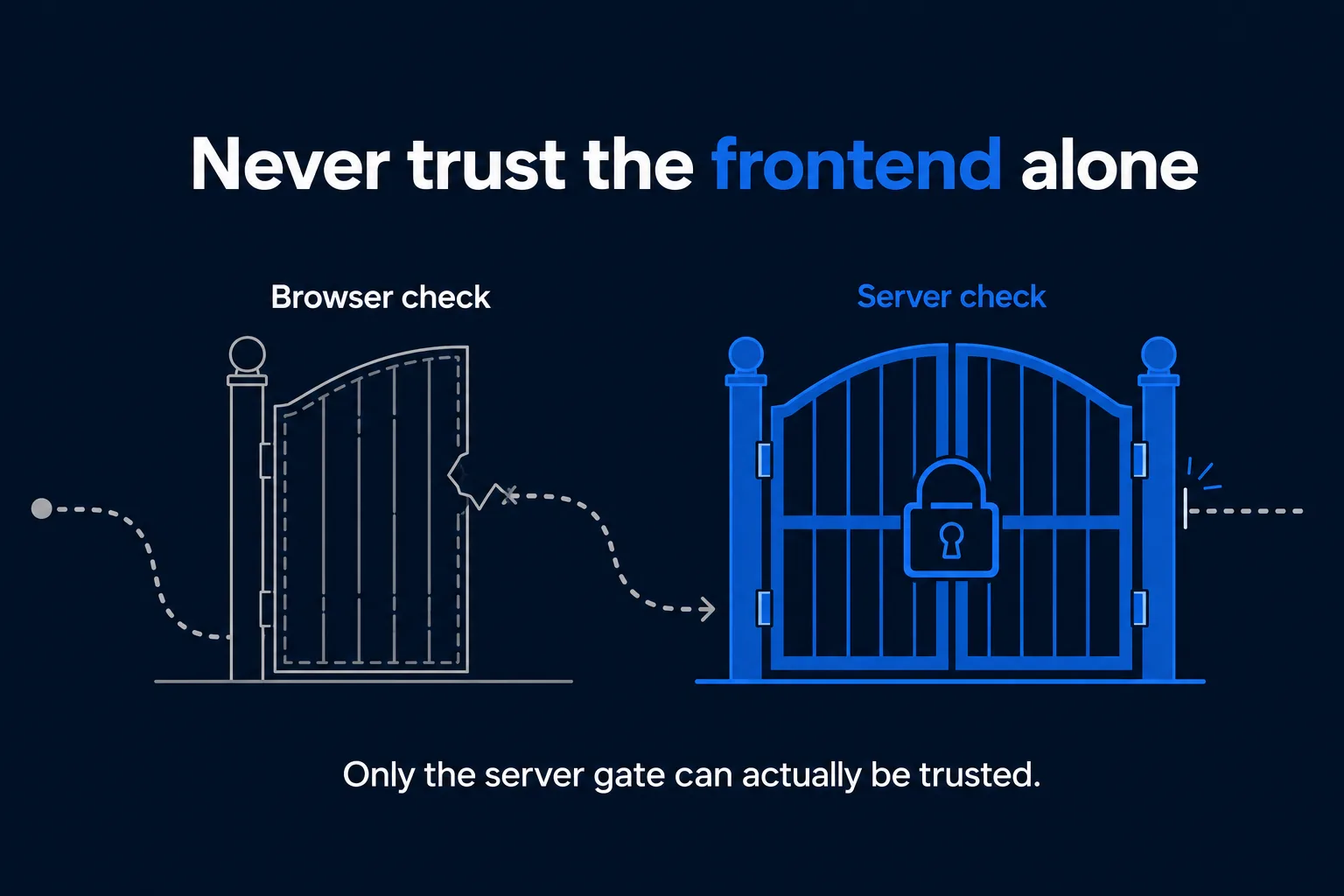
- A malicious or careless user can always bypass browser-based (client-side) checks
- Every request still arrives at the server, regardless of what the browser "allowed"
- The server independently re-validates and re-checks permissions on every single request
- Only server-side validation can be trusted to actually protect data and access
Common Mistakes
- Running a live website without HTTPS, despite free SSL certificates being available from virtually every host.
- Trusting client-side validation alone and skipping server-side checks, leaving the door open to SQL injection or XSS attacks.
- Hiding an admin area only in the frontend instead of enforcing role-based access on the backend.
- Neglecting regular software updates, leaving known, already-fixed vulnerabilities exposed.
Tools to Use
Let's Encrypt
Free, automatically-renewing SSL certificates used by most modern hosts.
reCAPTCHA / honeypot fields
Common spam and bot protection techniques for public forms.
Automated backup services
Regular, tested backups that can actually be restored when something goes wrong.
Dependency update tools (Dependabot, npm audit)
Flag outdated, vulnerable software packages automatically.
Key Takeaways
- HTTPS is mandatory for any live website — free SSL certificates make there no valid reason to skip it.
- Never trust user input — validate on the server every time, even if the browser already validated it too.
- Role-based access must be enforced on the backend; frontend-only restrictions can always be bypassed.
- Regular, tested backups and prompt software updates are two of the highest-leverage security practices available.
Practical Exercises
- Take the quote form built in Chapter 8 and list every point where it currently trusts the user’s input without question. For each one, write down what a server-side check should verify before that data is ever saved or acted on.
Want "Security" done for you, not just explained?
We build fast, mobile-first websites for South African local businesses — putting everything in this chapter into practice, professionally.