
Testing
Never launch without testing.
No website should go live without being deliberately tested first — not casually clicked through once, but methodically checked against a real list of what could go wrong.
Beginner Explanation
Before launch, a thorough professional checks mobile view (on real devices, not just a resized desktop window), desktop view across common screen sizes, and every single button to confirm it does exactly what it’s supposed to — a surprising number of launch-day bugs are simply a button styled correctly but never actually wired up to its intended action. Every form should be submitted with valid data, and deliberately broken with invalid data too, to confirm both validation and error handling work as intended (Chapter 8).
Every internal and external link should be checked for accuracy, since broken links damage both user trust and SEO (Chapter 12). Every image should be confirmed to load, display at an appropriate size, and have meaningful alt text (Chapters 2 and 14). Loading speed should be re-checked one final time in a realistic, close-to-production environment, since local development speed often doesn’t match real-world hosting conditions. Every page’s actual visible content should be proofread, not just the code — a surprisingly common and entirely avoidable source of lost credibility.
Page titles, meta descriptions, and heading structure (Chapter 12) should all be confirmed correct across every page, not just the homepage — and the whole site should be tested in multiple browsers (Chrome, Safari, Firefox, Edge), since different browsers can render the same code slightly differently. Professional testing typically follows a repeatable checklist rather than relying on memory or intuition alone, precisely because it’s remarkably easy to overlook something under the time pressure of an approaching launch date.
Real Business Examples
A button that looked right but did nothing
A "Get a Quote" button was styled perfectly but never actually wired to open the form — caught only because someone clicked every single button before launch, not just glanced at the page.
Deliberately breaking a form
A tester submits a booking form with an empty required field on purpose, confirming the error message appears clearly instead of the form silently failing.
A pre-launch checklist for a real client site
Mobile view, desktop view, every button, every form, every link, every image, load speed, spelling, SEO basics, browser compatibility — worked through methodically, in order, before a single client site ever goes live.
Visual Diagram
The pre-launch checklist
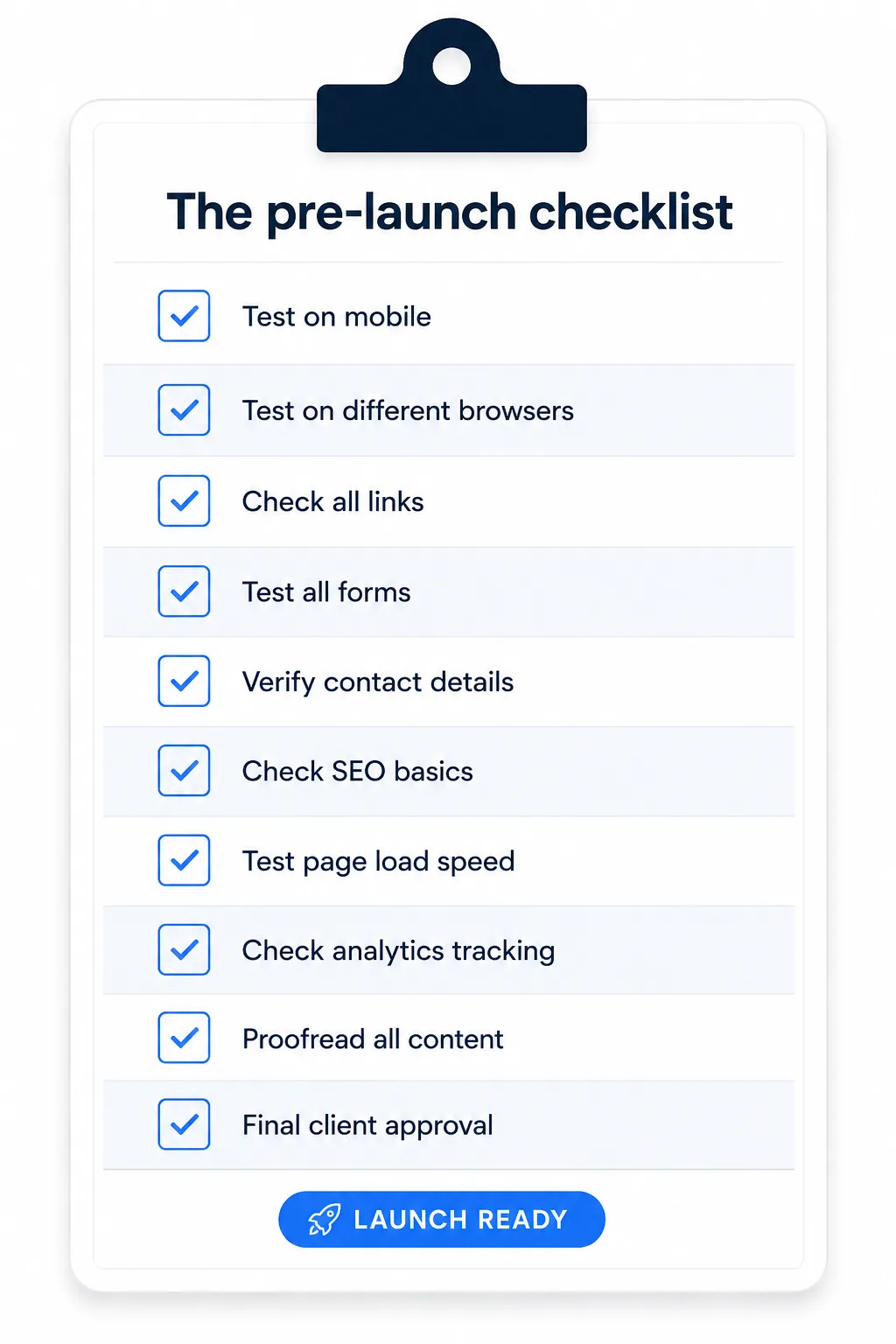
- Mobile view (real devices)
- Desktop view (multiple screen sizes)
- Every button — clicked and confirmed
- Every form — valid AND invalid data
- Every link — no broken 404s
- Every image — loads, sized right, has alt text
- Loading speed — in a production-like environment
- Spelling — every visible page
- SEO basics — titles, meta descriptions, headings
- Browser compatibility — Chrome, Safari, Firefox, Edge
Common Mistakes
- Testing only the specific feature just worked on, in isolation, instead of the entire site as a connected whole.
- Testing only on a resized desktop browser window instead of real mobile devices.
- Confirming a form works with valid data but never deliberately trying to break it with invalid data.
- Relying on memory or a quick click-through instead of a repeatable, written checklist.
Tools to Use
BrowserStack / real devices
Test a site across genuinely different browsers and real mobile hardware.
A written pre-launch checklist
The single highest-leverage testing tool — simple, repeatable, and hard to skip a step on.
Broken-link checkers
Automatically scan an entire site for 404s before launch.
Automated testing frameworks (Cypress, Playwright)
For larger projects, programmatically verify key functionality keeps working as new code is added.
Key Takeaways
- Test on real devices where possible, not just a resized desktop browser window.
- Deliberately try to break forms with invalid input, not just confirm they work with valid input.
- A repeatable checklist catches far more issues than relying on memory or a quick click-through alone.
- Testing should happen from the perspective of a first-time, unfamiliar visitor — not just the person who built the site.
Practical Exercises
- Create a pre-launch testing checklist using the categories in this chapter as a starting point, and run a practice website through it fully. Write down every issue found, no matter how small.
Want "Testing" done for you, not just explained?
We build fast, mobile-first websites for South African local businesses — putting everything in this chapter into practice, professionally.