
APIs
What connects your website to the outside world.
No website exists in total isolation. APIs (Application Programming Interfaces) are the standardized way software systems communicate with each other, letting a website tap into powerful, specialized capabilities without building them from scratch.
Beginner Explanation
An API is best understood as a defined contract: "if you send me a request in this specific format, I will send you back a response in this specific format." A weather API, for instance, might say: "send me a city name, and I’ll send you back today’s temperature and forecast as structured data." The website doesn’t need to know anything about how weather data is collected — it just needs to know how to correctly ask for it and how to read the answer.
Common real-world examples include Google Maps for embedding interactive maps, payment gateways like Stripe or PayFast for securely processing payments, WhatsApp links for opening a pre-filled conversation, email systems like SendGrid for reliable transactional email, booking calendars like Calendly for syncing availability, and CRM tools like HubSpot for automatically feeding new leads into a business’s existing sales system.
Working with an API generally follows the pattern introduced in Chapter 5’s fetch() example: the website sends a request to the API’s address (an endpoint), often including data or credentials, and the API sends back a response — usually in JSON, a structured, easy-to-parse way of representing data as text. Most professional APIs require an API key, a unique credential identifying who’s making the request. Recognizing when to build something in-house versus when to integrate an existing, trusted API is itself a mark of experience — reinventing a payment system from scratch is rarely a good use of time, or, in the case of payments, even legally advisable.
Real Business Examples
An embedded Google Map
A mechanic’s contact page shows an interactive map of the workshop’s location — built entirely by integrating Google’s Maps API, not by drawing a map from scratch.
A WhatsApp "Book Now" link
One click opens a pre-filled WhatsApp conversation with the business — the simplest form of API-like integration, and one of the most effective for local South African service businesses.
Leads flowing straight into a CRM
Every quote-form submission on a growing business’s site is automatically pushed into HubSpot via its API, so no lead is ever manually re-typed or lost.
Visual Diagram
A request-response contract
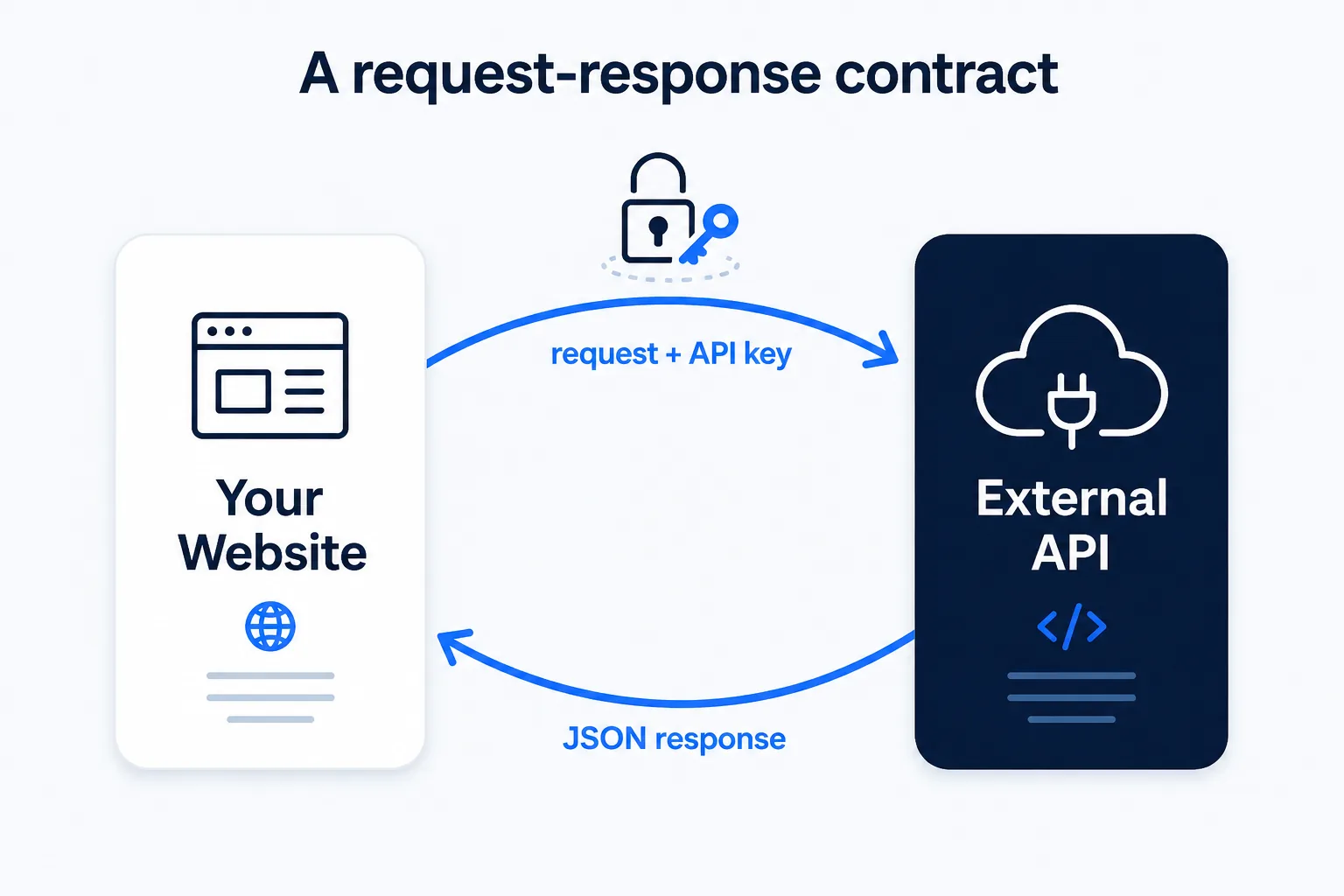
- Your website sends a request to an API endpoint — e.g. "give me today’s weather for Johannesburg"
- The request usually includes an API key, identifying who’s asking
- The external service processes the request
- The API sends back a structured JSON response — e.g. { "city": "Johannesburg", "temp": 24 }
- Your website reads the response and displays it — no need to know how the data was actually gathered
Common Mistakes
- Trying to build a mapping, payment, or scheduling system entirely from scratch instead of integrating an existing, trusted API.
- Exposing an API key directly in frontend code where any visitor can see and misuse it.
- Not handling the case where an API request fails or times out, leaving the page stuck or broken.
- Ignoring API usage limits — many APIs are free up to a certain volume of requests, then charge or throttle beyond that.
Tools to Use
Postman / Insomnia
Test API requests and inspect responses directly, outside of any website code.
Google Maps Platform
The most common API for embedding interactive maps and location search.
Stripe / PayFast APIs
Industry-standard payment processing without ever touching raw card data.
RapidAPI / public API directories
Discover free and paid APIs for weather, data, and countless other capabilities.
Key Takeaways
- An API is a defined contract for how two systems can request and exchange data with each other.
- Most APIs exchange data as JSON and require an API key for access and usage tracking.
- Common business use cases include maps, payments, booking calendars, email delivery, and CRM integrations.
- Knowing when to integrate an existing API versus build something custom is a key sign of professional judgment.
Practical Exercises
- Find a free public API (a weather API is a good starting point) and use JavaScript’s fetch() to request data from it, then display the result — like today’s temperature for a chosen city — somewhere on a practice page.
Want "APIs" done for you, not just explained?
We build fast, mobile-first websites for South African local businesses — putting everything in this chapter into practice, professionally.