
Performance — Speed
Speed affects user trust, Google ranking, and conversions.
Slow websites lose visitors before they ever see the content, rank worse in search results, and quietly erode trust. Performance is the discipline of making sure a website loads and responds as fast as technically possible.
Beginner Explanation
Image compression reduces file size without a noticeable loss in visual quality, and it’s usually the single biggest performance win available on a typical business website, since unoptimized photos are often the heaviest files a page loads. Modern formats like WebP and AVIF compress far more efficiently than older formats like JPEG or PNG while looking just as good. Lazy loading delays loading images or content that are further down the page until the user actually scrolls near them, rather than loading everything at once the moment the page opens.
Caching stores a copy of a page or resource so it can be served instantly on repeat visits. Caching happens at multiple levels — in the visitor’s own browser, at a hosting provider’s servers, and often through a Content Delivery Network (CDN) that stores cached copies of a site in data centers around the world, so a visitor in Cape Town and a visitor in London can both load a page quickly from a server near them.
Core Web Vitals are Google’s official, measurable performance metrics. LCP (Largest Contentful Paint) is how long it takes for the largest visible piece of content to fully render — the "good" threshold sits at under 2.0 seconds. INP (Interaction to Next Paint) is how quickly the page responds after a user interacts with it — a "good" INP is under 200 milliseconds. CLS (Cumulative Layout Shift) is how visually stable a page is while loading — a "good" score is under 0.1. A page generally "passes" Core Web Vitals when at least 75% of real visits meet the "good" threshold across all three simultaneously.
Real Business Examples
Compressing hero images
A restaurant’s unoptimized 8MB hero photo becomes a 200KB WebP file with no visible quality loss — cutting load time dramatically on a visitor’s mobile data connection.
A CDN for a national audience
A business with customers across the country serves cached copies of its site from data centers near each visitor, so someone in Cape Town and someone in Durban both get a fast load.
Passing Core Web Vitals
A site is generally considered to "pass" when at least 75% of real visits meet the "good" threshold across LCP, INP, and CLS simultaneously — measured from actual user data, not just a lab test.
Visual Diagram
The three Core Web Vitals
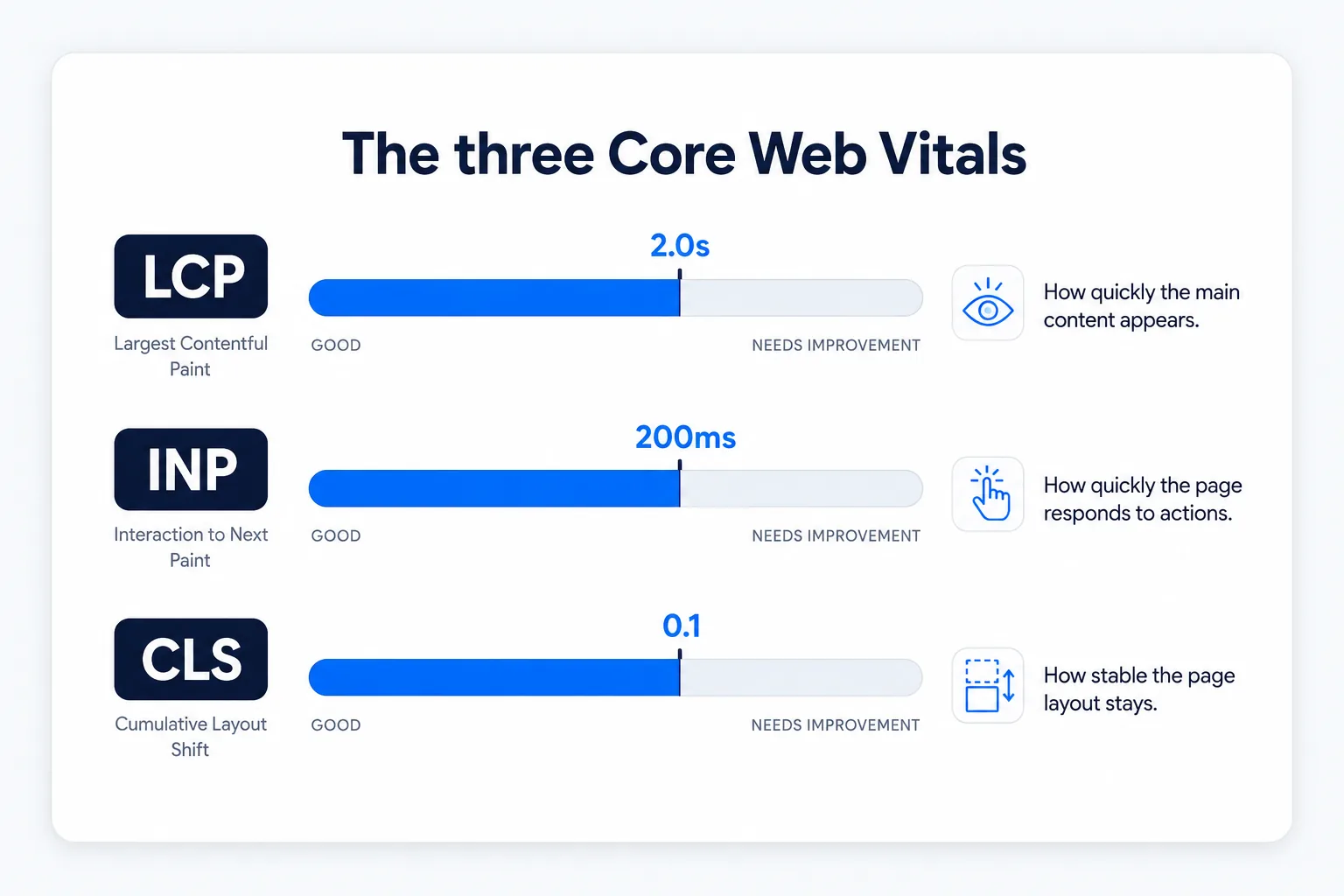
- LCP (Largest Contentful Paint) — how long the biggest visible element takes to render · target: under 2.0s
- INP (Interaction to Next Paint) — how fast the page responds to a click or tap · target: under 200ms
- CLS (Cumulative Layout Shift) — how visually stable the page stays while loading · target: under 0.1
Common Mistakes
- Uploading full-resolution photos straight from a camera or phone instead of compressing them first.
- Loading every image on a long page immediately, instead of lazy-loading what’s below the fold.
- Treating performance as a pre-launch checklist item instead of a constraint considered from Chapter 3 onward.
- Ignoring mobile speed specifically — a site that feels fast on a developer’s desktop can feel sluggish on a visitor’s phone.
Tools to Use
Google PageSpeed Insights
Free tool measuring real LCP, INP, and CLS scores for any live page.
TinyPNG / Squoosh
Free image compression tools that convert to WebP/AVIF with minimal quality loss.
A CDN (Cloudflare, etc.)
Serves cached content from locations physically closer to each visitor.
Lighthouse (built into Chrome DevTools)
Runs a full performance, SEO, and accessibility audit directly in the browser.
Key Takeaways
- Image compression and lazy loading are usually the highest-impact, easiest performance wins on a typical site.
- Core Web Vitals — LCP, INP, and CLS — are measurable, official metrics that directly affect Google ranking.
- Caching and CDNs serve content from locations physically closer to each visitor, reducing load times globally.
- Performance should be considered throughout development, not addressed only right before launch.
Practical Exercises
- Run any live website through Google’s PageSpeed Insights tool. Note its LCP, INP, and CLS scores.
- Identify the single largest recommended fix, then explain in your own words why that specific fix would help.
Want "Performance — Speed" done for you, not just explained?
We build fast, mobile-first websites for South African local businesses — putting everything in this chapter into practice, professionally.